
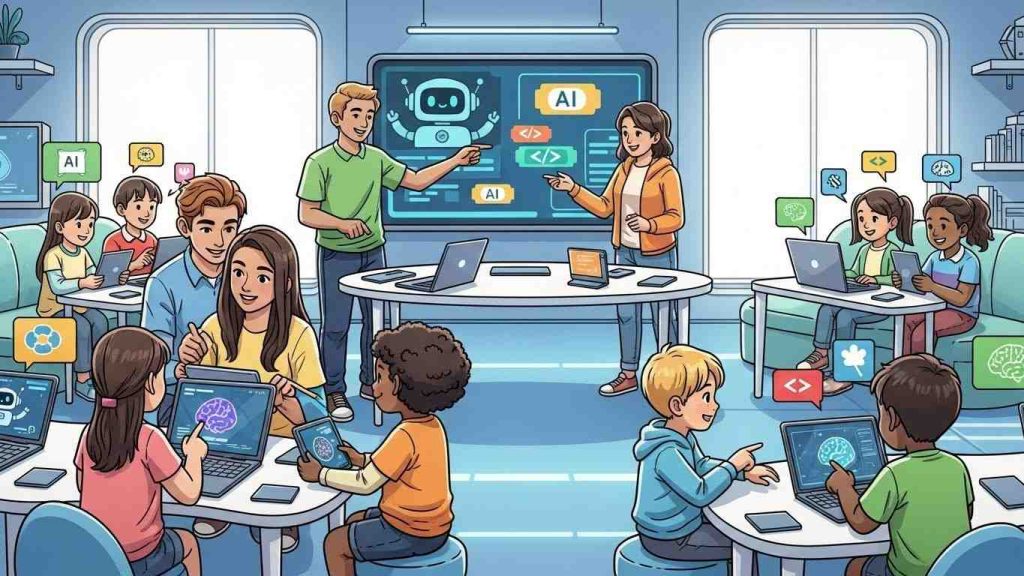
Hey, if you’re a young person eyeing ways to share your tech savvy with the kids in your life—maybe your siblings, cousins, or even neighborhood little ones—this is for you. With 2026 just around the corner, tech like computers and AI is evolving fast, and youth tips to teach children computers and AI 2026 can make a real difference. It’s not about being a pro teacher; it’s about sparking that curiosity in a world where digital smarts are everything. Think about it: kids today are growing up with AI in their toys, apps, and even schoolwork. As a youth, you’ve got that fresh perspective to make learning feel like play, not a chore. Let’s dive into some practical, no-fuss tips that’ll help you guide them through the basics and beyond, keeping things fun and relevant for the year ahead.
Table of Contents
Why Youths Are Key in Shaping Kids’ Tech Future
Kids look up to older siblings or teens way more than they do to adults sometimes. You’ve got that cool factor, right? In 2026, with AI popping up in everything from homework helpers to personalized games, youths can bridge the gap between fancy tech and everyday understanding. It’s like passing on survival skills for a digital world. Remember, back when you first figured out how to tweak a game mod or chat with a virtual assistant? Sharing that excitement builds confidence in kids, helping them see computers not as scary machines, but as tools for creativity.
One relatable bit: picture a teen showing a 7-year-old how to build a simple block code for a robot dance. It’s those moments that stick, turning abstract ideas into “whoa, I did that!” experiences. And honestly, with schools still catching up on AI curriculums, youths stepping in can fill those gaps, making sure kids aren’t left behind in a tech-driven future.

Starting with Computer Basics
Before jumping into the flashy AI stuff, get the fundamentals down. Computers are like building blocks—start simple, and kids will stack up their skills without feeling overwhelmed. This is where youth tips to teach children computers and AI 2026 really shine, because you can tailor it to what grabs their attention.
Fun Intro Activities
Kick things off with games that sneak in learning. Try something like drawing on a screen and watching the computer guess what it is—Google’s Quick, Draw! is perfect for this. It’s hilarious when it gets it wrong, and it opens the door to talking about how computers “learn” from patterns. Or, set up a scavenger hunt where kids hunt for parts of a computer, like the mouse or keyboard, and explain what each does in super basic terms. Keep sessions short, maybe 20-30 minutes, so they don’t zone out.
Varied activities help too. One day, disassemble an old keyboard (safely, of course) to see the insides; another, play a typing game to build speed. It’s messy, hands-on stuff that feels more like playtime than class.
Essential Tools and Resources
You don’t need fancy gear. A basic laptop or tablet does the trick, loaded with free stuff like Scratch for coding basics or Code.org for step-by-step lessons. These platforms let kids drag and drop code blocks, making it less intimidating.
Here’s a quick table of starter tools:
| Tool | What It Does | Age Range | Why It’s Great for Youth Tips to Teach Children Computers and AI 2026 |
|---|---|---|---|
| Scratch | Block-based coding for stories and games | 8-12 | Super visual, encourages creativity without typing code |
| Code.org | Free lessons on CS fundamentals | 6+ | Includes AI intros, easy for youths to guide through |
| Teachable Machine | Train simple AI models with webcam | 10+ | Shows how data teaches computers in real time |
| Raspberry Pi (if available) | Hands-on hardware projects | 10+ | Affordable way to build real gadgets, tying computers to physical world |
Load up on these, and you’ll have a toolkit ready for impromptu sessions. Pro tip: check out coding basics for beginners for more ideas on getting started.
Introducing AI Concepts
Once computers feel familiar, ease into AI. Don’t overcomplicate it—AI is basically computers getting smarter from data, not magic robots taking over.
Simple Explanations for Young Minds
Break it down: “AI is like a super helper that learns from examples, kinda like how you learn to ride a bike by practicing.” Avoid calling it “he” or “she” to keep it clear it’s a tool, not a person. Use everyday examples—Netflix suggestions or voice assistants like Siri. Ask kids questions like, “What if the computer guessed wrong? Why do you think that happened?” It sparks critical thinking early.
For younger ones, read books about AI adventures to make it storytime fun. It’s a gentle way to introduce ideas without screens overwhelming them.
Hands-On AI Projects
Get practical. Use Teachable Machine to train an AI to recognize smiles or thumbs up via webcam—it’s quick and shows how data matters. Or, play with AI art generators, but guide them to tweak prompts for better results, teaching “prompt design” without the jargon.
Embed a video here for extra inspiration: Check out this quick explainer on what AI really is—great for kids and easy to watch together:
These projects build excitement, but watch for frustration; step in with encouragement like, “Hey, even pros tweak things a bunch.”
Making It Ethical and Safe
Tech’s cool, but teach the responsibility side. Talk about privacy— “Don’t share personal stuff with AI, just like you wouldn’t with a stranger.” Encourage using AI for explanations, not copying answers whole. It’s like training a puppy: guide it right, and it helps everyone.
Share stories, maybe from your own slip-ups, like when an AI suggested something silly. This builds trust and shows you’re in it together. For more on this, see AI ethics guide for kids.
Trends to Watch in 2026 for Youth Tips to Teach Children Computers and AI
Looking ahead, 2026 brings more personalized AI tutors that adapt to each kid’s pace, making learning feel custom-made. Gamification will amp up, with AI turning lessons into quests. But watch for burnout—balance screen time with real-world chats.
Hybrid setups mix online and in-person, so youths can use tools like AI for group projects. Ethical AI focus grows too, with schools pushing data literacy. Stay ahead by exploring emerging tech trends.

Wrapping this up, getting kids excited about computers and AI isn’t about perfection—it’s those little wins, like when they fix a bug on their own or create something wild with AI. As youths, you’ve got the edge to make it relatable and fun, setting them up for whatever 2026 throws their way. Keep experimenting, stay curious, and watch how these skills light up their world.
Key Takeaways
- Start simple with computer basics before AI to build confidence.
- Use free tools like Scratch and Teachable Machine for hands-on fun.
- Always weave in ethics and safety to foster responsible tech use.
- In 2026, focus on personalization and gamification for engaging lessons.
- Youths bring a unique, relatable vibe that makes teaching stick.
FAQ
What are some easy youth tips to teach children computers and AI 2026 without fancy equipment? You can start with free online tools like Code.org or even phone apps for basic coding. Keep it playful—turn it into a game where kids “train” the computer with drawings or voices. No need for high-end stuff; a shared laptop works wonders.
How young is too young for youth tips to teach children computers and AI 2026? Around 6-8 years old is a good start for basics, like simple games. For AI, wait until 10 or so when they can grasp patterns and ethics. Adjust based on the kid—some pick it up quicker.
Can youth tips to teach children computers and AI 2026 help with schoolwork? Absolutely, it builds skills like problem-solving that spill over into homework. Teach them to use AI for ideas, not full answers, to keep it honest and helpful.
What if kids get frustrated with tech glitches in youth tips to teach children computers and AI 2026? It happens! Step back, laugh it off, and try a simpler activity. Sharing your own mess-ups makes it less intimidating and more human.
Are there risks in using youth tips to teach children computers and AI 2026? Main ones are privacy and over-reliance. Guide them on safe sharing and using AI as a tool, not a crutch. It’s all about balance.
How can I stay updated on youth tips to teach children computers and AI 2026 trends? Follow sites like Edutopia or Raspberry Pi for fresh ideas. Join online communities or watch quick videos to keep your approach current.
Key Citations
- How to Teach AI to Kids…In 30 Minutes
- Five Lessons for Schools to Prepare Students and Teachers to Use AI
- AI isn’t just robots: How to talk to young children about AI
- Tips and Resources for Introducing Students to Artificial Intelligence
- Some predictions about AI in education in 2026
- 5 Biggest K–12 Education Trends for 2026
- Teach Computer Science and Artificial Intelligence with Code.org
- Teaching kids to use AI responsibly
- Monica Burns on X about books about AI