
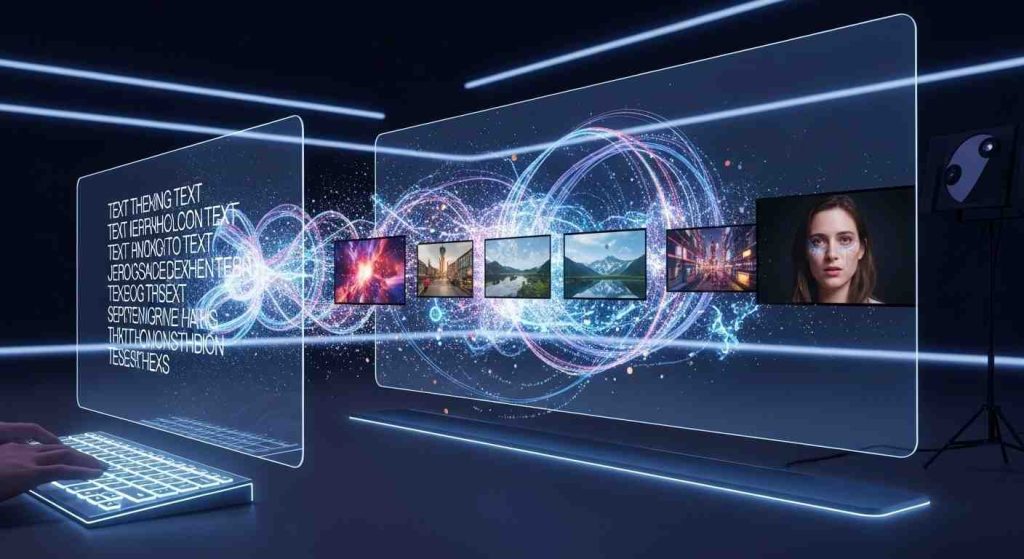
Hey, if you’ve been scrolling through social media or checking out the latest tech buzz, you’ve probably heard about Sora AI text-to-video. It’s that OpenAI tool that’s been making waves since it first popped up. Back in early 2024, OpenAI teased it, but it wasn’t until late that year that folks could really get their hands on it. Fast forward to 2026, and Sora AI text-to-video isn’t just a cool demo anymore—it’s straight-up transforming how people make videos. No more needing fancy equipment or a whole crew; just type in what you want, and boom, you’ve got a clip that’s scarily realistic.
I remember when I first tried something like this—nothing as slick as Sora, mind you—but it felt like magic. You’d describe a scene, and the AI would spit out something halfway decent. Now, with Sora 2 out since last September, it’s on another level. We’re talking videos up to a minute long, full HD, with sound that actually matches what’s happening on screen. It’s wild how far this has come in just a couple years.
Table of Contents
What Exactly Is Sora AI?
Sora AI is OpenAI’s powerhouse for turning plain text into videos. Think of it as ChatGPT but for visuals— you give it a prompt like “a cat chasing a laser pointer in a cozy living room,” and it creates a short video clip that looks like it was filmed for real. By 2026, it’s evolved a ton, especially with the Sora 2 update, making things more lifelike and easier to tweak.
A Quick Look Back at Sora’s Launch
OpenAI first showed off Sora in February 2024, but it was more of a research preview. People went nuts over the demos—videos of woolly mammoths tromping through snow or pirates battling on the high seas. It took until December 2024 for it to roll out to ChatGPT Plus users, and then Sora 2 dropped in September 2025, adding better physics, audio, and controls. Now in 2026, it’s available on sora.com, and it’s integrated into all sorts of apps.
From what I’ve seen in my own messing around—and yeah, I’ve spent a few late nights prompting away— the jump from the original to Sora 2 feels huge. The early version had glitches like weird object behaviors, but now it’s smoother, like watching a mini movie.
How Sora AI Text-to-Video Actually Works
At its core, Sora uses diffusion models, kinda like how DALL-E makes images, but for video frames. It starts with noise and refines it step by step based on your text prompt. Sora 2 amps this up with better understanding of real-world physics—think gravity, lighting, even how fabrics move. It can handle prompts with images too, extending or remixing them into videos.
Here’s a simple breakdown in a table of how it stacks up against older tools:
| Feature | Original Sora (2024) | Sora 2 (2025-2026) |
|---|---|---|
| Video Length | Up to 20 seconds | Up to 60 seconds |
| Resolution | Up to 1080p | Up to 1080p with better quality |
| Audio | None | Includes speech, ambient sounds, lip-sync |
| Control | Basic prompts | Advanced editing, styles, “Cameos” for personalization |
| Cost | Subscription-based | Same, but more efficient generation |
It’s not perfect, though. Sometimes it still hallucinates odd details, like a hand with six fingers, but that’s getting rarer.
Key Features That Make Sora AI Stand Out
What sets Sora AI text-to-video apart? It’s the combo of ease and power. You don’t need to be a pro editor; the AI handles the heavy lifting.
Realistic Video Generation with Audio
Sora 2 brings audio into the mix—voices that match lip movements, background noises that fit the scene. Imagine prompting “a chef cooking pasta in a busy kitchen” and getting not just the visuals but the sizzle of sauce and clatter of pots. That’s a game-changer for quick ads or social clips.
Bold tip: Always specify audio in your prompt if you want it immersive, like “with lively background music.”
Customization and Control Options
You can tweak styles—cartoonish, hyper-real, or cinematic. Plus, features like remixing let you edit existing videos. For businesses, this means branded content without the hassle. I’ve heard from a friend in marketing who uses it for product demos; saves them hours.
How Sora AI Text-to-Video Is Reshaping Content Creation in 2026
In 2026, content creation isn’t what it used to be. Sora AI text-to-video is democratizing video making, letting anyone compete with big studios on a budget.
Boosting Small Businesses and Marketers
Small biz owners are loving it. No more pricey shoots; type a script, generate, post. Marketers are churning out personalized ads faster than ever. According to some reports, tools like this could cut production costs by 80%. It’s shifting the focus from tech skills to creativity.
For more on AI tools helping businesses, check out our piece on best AI productivity tools for 2026.
Challenges and Ethical Concerns
But it’s not all sunshine. Deepfakes are a real worry—Sora 2’s realism makes it easy to misuse for misinformation. OpenAI has filters, but tests show chatbots struggle to detect AI videos. Ethically, it’s blurring lines between real and fake, especially on social media.
On the flip side, it’s opening doors for creators in remote areas or with limited resources. Balance is key.
Real-World Examples and Tips for Using Sora AI
Let’s get practical. Sora AI text-to-video shines in everyday scenarios.
Everyday Applications
- Social Media Content: Quick reels for Instagram or TikTok.
- Education: Teachers making explainer videos on history or science.
- Advertising: Custom spots for e-commerce.
One example I came across: a startup used Sora to prototype ad campaigns, testing ideas without filming. Saved them a bundle.
For deeper dives into OpenAI’s ecosystem, see our article on ChatGPT advancements in 2026.
Getting Started with Prompts
Start simple: “A sunny beach day with waves crashing.” Then add details: “in 4K, with upbeat music.” Pro tip—use negatives like “no blurry faces” to refine.
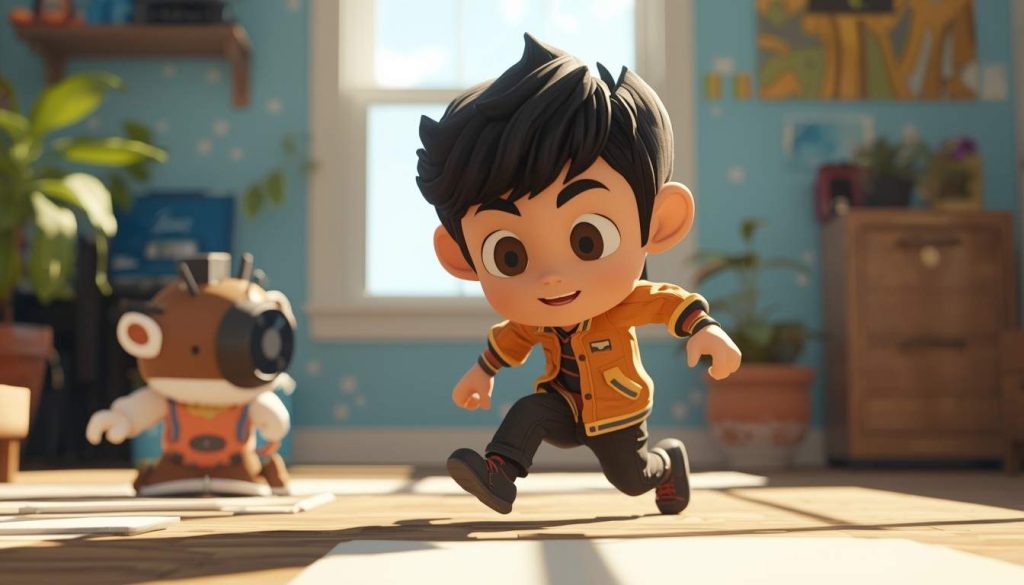
The Future of Sora AI and Text-to-Video Tech
Looking ahead, Sora AI text-to-video might evolve into full-length features or interactive experiences. With competitors like Google’s Veo 3, the race is on for longer, smarter videos. But we’ll need better safeguards against abuse.
I’ve toyed with it enough to say: it’s empowering, but use it wisely. It amplifies ideas, not replaces human touch.
As we wrap this up, it’s clear Sora is here to stay, pushing boundaries in unexpected ways. Whether you’re a hobbyist or pro, it’s worth a try.
Key Takeaways
- Sora AI text-to-video turns text prompts into realistic videos with audio, up to a minute long.
- Launched in 2024, upgraded to Sora 2 in 2025 for better physics and controls.
- It’s slashing costs for content creators, especially small businesses, but raises deepfake concerns.
- Easy to use via sora.com, integrated with ChatGPT for subscribers.
- Future updates could mean longer videos and more interactivity.
For related reads, explore top AI innovations shaping 2026.
FAQ
What’s the big deal with Sora AI text-to-video in 2026? It’s making video creation super accessible. Anyone can generate pro-looking clips from text, cutting down on time and money. Sora 2 adds audio and better realism, which is huge for marketers and educators.
How do I access OpenAI’s Sora AI text-to-video model? Head to sora.com or use it through ChatGPT Plus/Pro. It’s subscription-based, starting around $20/month, and you get credits for generations.
Can Sora AI text-to-video handle custom styles or edits? Yeah, totally. You can specify styles like animated or cinematic, and remix videos. It’s got controls for resolution up to 1080p and even personal “Cameos” for faces.
Are there any downsides to using Sora AI text-to-video? Sure, like potential for deepfakes or glitches in complex scenes. OpenAI has safety filters, but it’s not foolproof. Also, it might not always nail super-specific details.
How does Sora AI compare to other text-to-video tools? It’s top-tier for realism, especially with audio. Competitors like Veo 3 are strong in speed, but Sora edges out in physics and narrative flow.
Is Sora AI text-to-video free to try? Not entirely—basic access needs a sub, but there are trials or limited free generations on some platforms. Worth checking OpenAI’s site for updates.