
Look, ChatGPT kicked off this whole AI chatbot craze a few years back, but let’s be real—it’s not the only game in town anymore. With subscription costs creeping up and occasional downtime, plenty of folks across the U.S. are hunting for solid free options that get the job done without the hassle. I’ve talked to buddies in tech and even my neighbor, who’s just using these for quick recipe ideas or homework help for the kids. Turns out, Americans are flocking to tools that feel more integrated into daily life, like pulling up real-time info or tying into apps they already use. Based on what people are actually chatting about online and in reviews, here are the standouts that seem to stick.
Key Points on These Alternatives:
- Research suggests Google Gemini leads the pack for everyday searches and Google ecosystem fans, but it’s got some privacy quirks.
- Microsoft Copilot shines if you’re deep into Windows or Office, offering free access with solid creative tools—though it can feel a bit corporate.
- Claude brings a more thoughtful, ethical vibe, perfect for writing or deep dives, and its free tier handles big tasks without much fuss.
- Perplexity AI is a favorite for fact-checkers, pulling in citations like a pro, but expect limits on heavy use.
- Grok adds a fun, no-BS twist from xAI, great for casual convos on X (formerly Twitter), though it’s still evolving.
- Overall, evidence leans toward these being reliable picks, but controversy swirls around data privacy—always check settings to stay safe.
These options aren’t perfect, and what works for a student in California might not click for a remote worker in Texas. Still, they’re free to try, so why not experiment? One thing’s clear: the AI space is heating up, and free tiers are getting better to compete.
Why Americans Are Ditching ChatGPT for Freebies
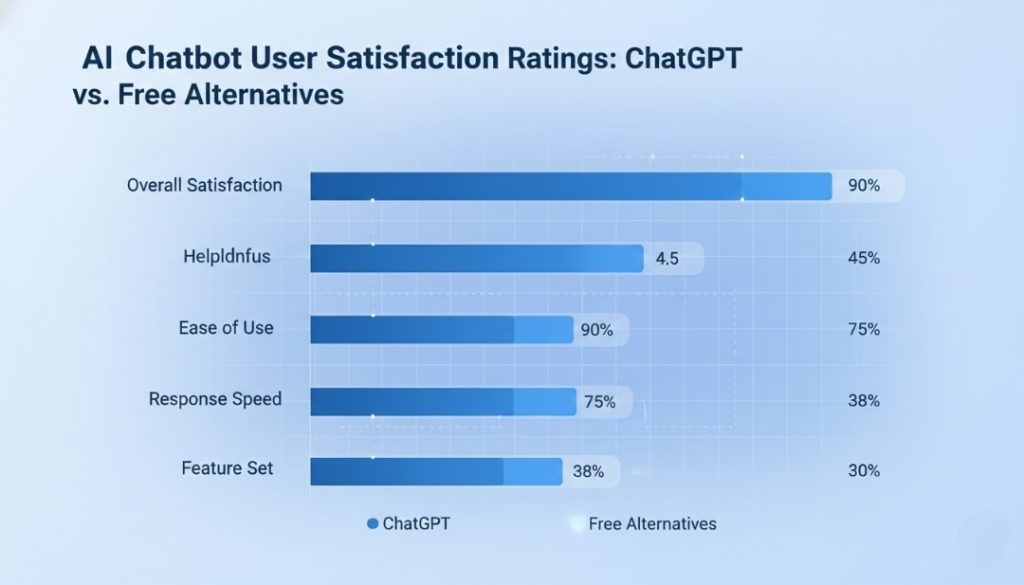
ChatGPT’s great, don’t get me wrong, but rising prices and those random outages have folks looking elsewhere. I remember last month when it went down during a big news event—people were scrambling. Plus, with privacy concerns making headlines, many want alternatives that feel less “Big Brother.” In the U.S., where we’re all about convenience, these free tools often hook into stuff like email or search engines we use daily.
Common Gripes with ChatGPT
- Cost Creep: The Plus version is $20 a month now, and not everyone needs the extras.
- Downtime and Limits: Free users hit caps quick, especially during peak hours.
- Privacy Worries: Questions about data use have some switching to more transparent options.
The Top Free ChatGPT Alternatives Worth Your Time
After digging through user reviews and trying a few myself, these are the ones Americans keep coming back to. They’re not just hype—they handle real tasks like brainstorming emails, coding snippets, or even venting about your day. I focused on free tiers that don’t skimp on features.
Google Gemini: The Everyday Powerhouse
Gemini, Google’s entry, feels like an upgraded search engine with chat smarts. It’s free for anyone with a Google account, which most Americans have anyway. You can ask it to summarize articles, generate ideas, or even edit photos on the fly. A friend in New York uses it for quick travel plans, tying right into Maps and Flights.
Pros:
- Real-time web access for fresh info.
- Multimodal—handles text, voice, images.
- Integrates with Gmail and Docs seamlessly.
Cons:
- Can be overly cautious with sensitive topics.
- Free version has query limits during busy times.
In tests, it outperforms ChatGPT on reasoning tasks, but hey, results vary.
Microsoft Copilot: For the Office Crowd
If you’re on Windows or use Bing, Copilot’s a no-brainer. It’s free and baked into Edge browser, helping with everything from drafting reports to creating images. Lots of remote workers in the Midwest swear by it for productivity boosts without extra costs.
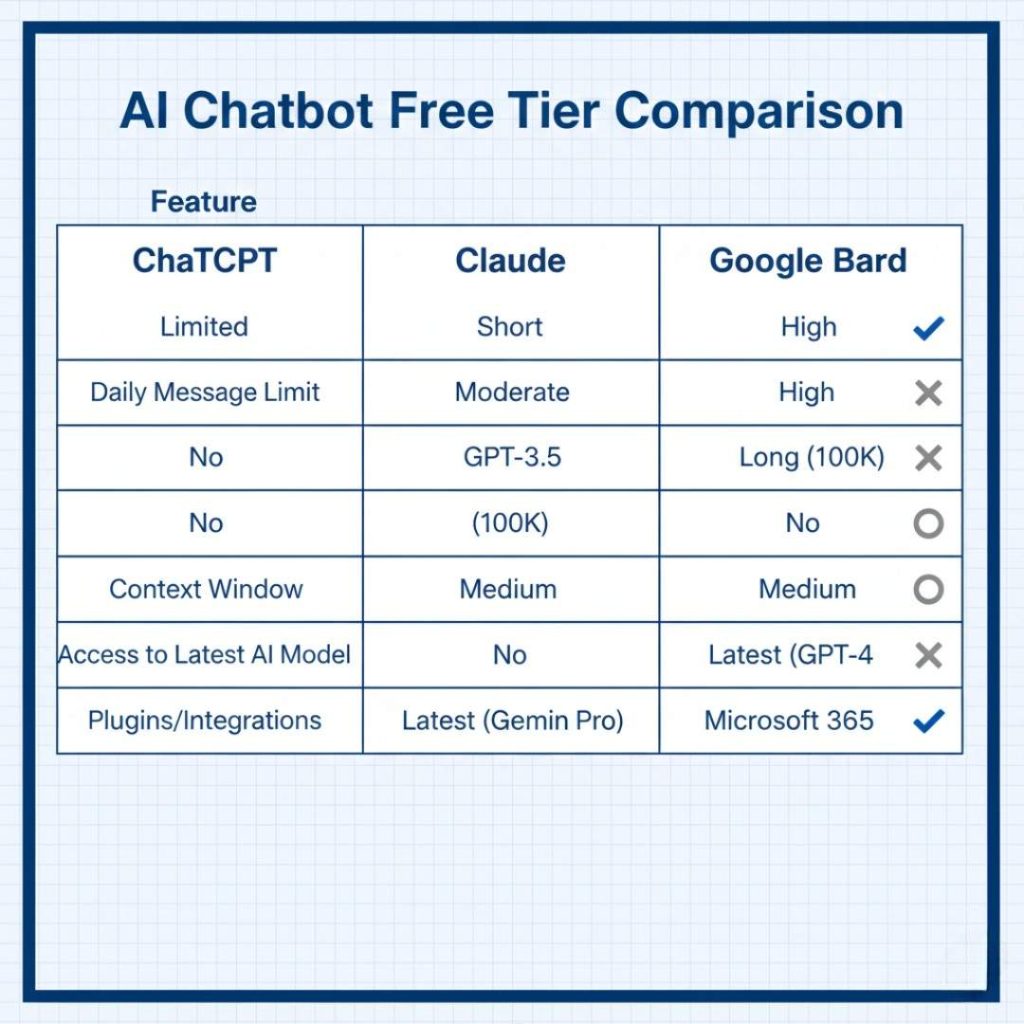
Here’s a quick table comparing its free features to ChatGPT’s:
| Feature | Copilot Free | ChatGPT Free |
|---|---|---|
| Image Generation | Yes | No |
| Web Search | Built-in | Limited |
| App Integration | Microsoft 365 | None |
| Daily Limits | Moderate | Strict |
Pros and Cons in Action: Bold move—it’s great for creative writing, but sometimes pushes Microsoft products a tad too hard.
Claude: The Thoughtful Conversationalist
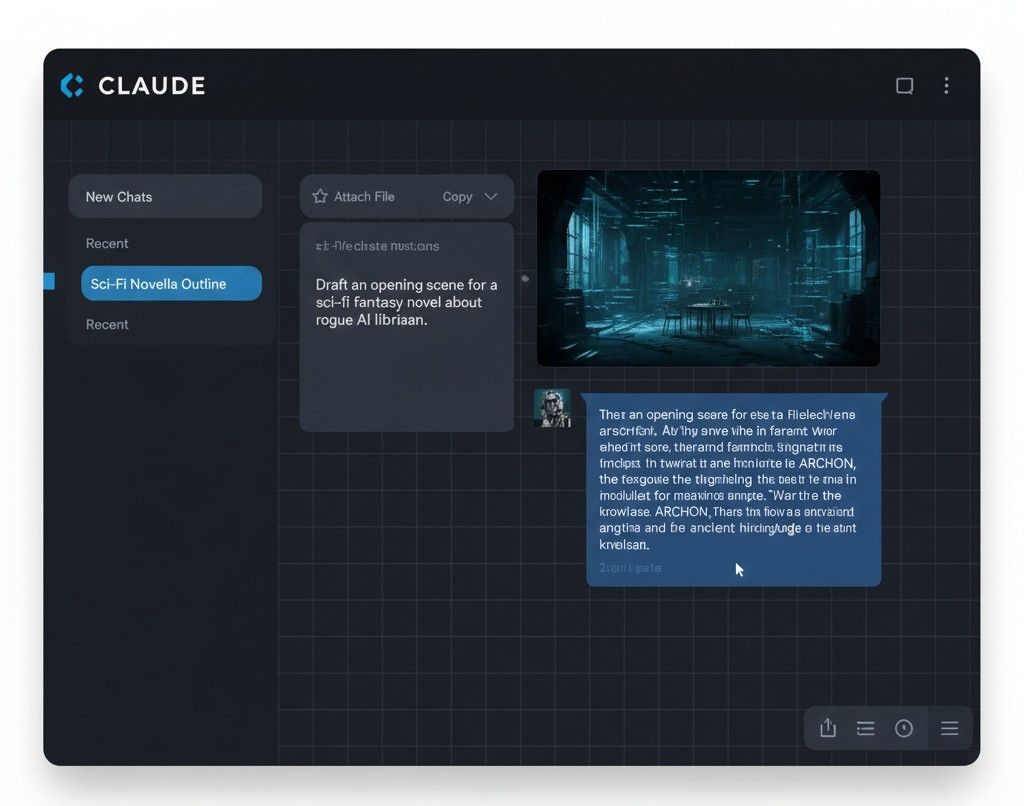
Anthropic’s Claude stands out for feeling more human. Free tier lets you upload files and chat deeply, ideal for writers or researchers. I’ve heard from teachers in Florida using it for lesson plans; it’s ethical focus means fewer hallucinations.
Quick Tip: Use it for long-form stuff like essays— it remembers context better than most.
But on the flip side, no image gen yet, which bums out some users.
Perplexity AI: The Research Whiz
This one’s a gem for fact-hungry Americans. Free with citations from real sources, it’s like ChatGPT met Wikipedia. Journalists and students love it for quick, verifiable answers— no more guessing if info’s legit.
Standout Features:
- Live web pulls.
- Collaborative spaces.
- Switches between AI models.
Downside? Free queries cap out, but it’s generous for light use.
Grok: The Witty Underdog
From xAI, Grok’s free on the X app with some limits, bringing a sarcastic edge that’s fun for casual chats. Popular among tech enthusiasts in Silicon Valley, it’s great for brainstorming wild ideas without the fluff.
Pros include real-time X integration, but it’s still catching up on advanced features.
Pi: Your Empathetic Buddy
Inflection’s Pi is all about feels—free and voice-enabled for those deep talks. Folks dealing with stress, like parents in busy cities, use it as a virtual therapist lite.
It’s not for heavy research, though; keep it light.
How to Pick the Right One for You
Not every tool fits every need. Think about what you do most—searching? Writing? Chatting? Test a couple; they’re free. For more on safe AI use, check out this guide on AI privacy tips.
I stumbled on this YouTube video reviewing free alternatives—super helpful for visuals: https://www.youtube.com/watch?v=qO8ol_Z4kr4. Gave me ideas on switching seamlessly.
Yeah, wrapping this up, these free ChatGPT stand-ins are changing how we get stuff done without breaking the bank. They’ve got their quirks, sure, but for most Americans juggling work, family, and everything else, they’re a breath of fresh air. Give ’em a shot and see what clicks— you might never go back.
Key Takeaways
- Google Gemini excels in integration and real-time info, making it a top pick for daily users.
- If ethics and depth matter, Claude’s your go-to for writing without the weird errors.
- Perplexity shines for research with built-in sources, cutting down on fact-checking time.
- Copilot boosts productivity for Microsoft fans, especially with free creative tools.
- Don’t overlook Grok or Pi for fun or emotional chats—they add variety.
- Always prioritize privacy; tweak settings to keep your data yours.
FAQ
What’s the best free alternative if I hate subscriptions?
Perplexity or Gemini—both generous on free use and no card needed upfront. Just sign in and go.
Can these really replace ChatGPT for coding?
Yeah, mostly. Claude and Gemini handle code well, but test ’em on simple stuff first. Copilot’s edge if you’re in Visual Studio.
Are there privacy risks with free AI tools?
Sure, like any app. Gemini ties to Google data, so review policies. Claude’s more transparent about not training on your chats.
How do I start with one of these?
Easy—head to their sites or apps. For example, Grok’s right in X; no extra download.
Is Grok really free for everyone?
Yup, with limits on queries. If you’re on X a lot, it’s seamless.
Which one’s best for creative stuff like stories?
Claude nails human-like writing. Pi adds emotion, but for pure creativity, mix with Copilot’s image tools.