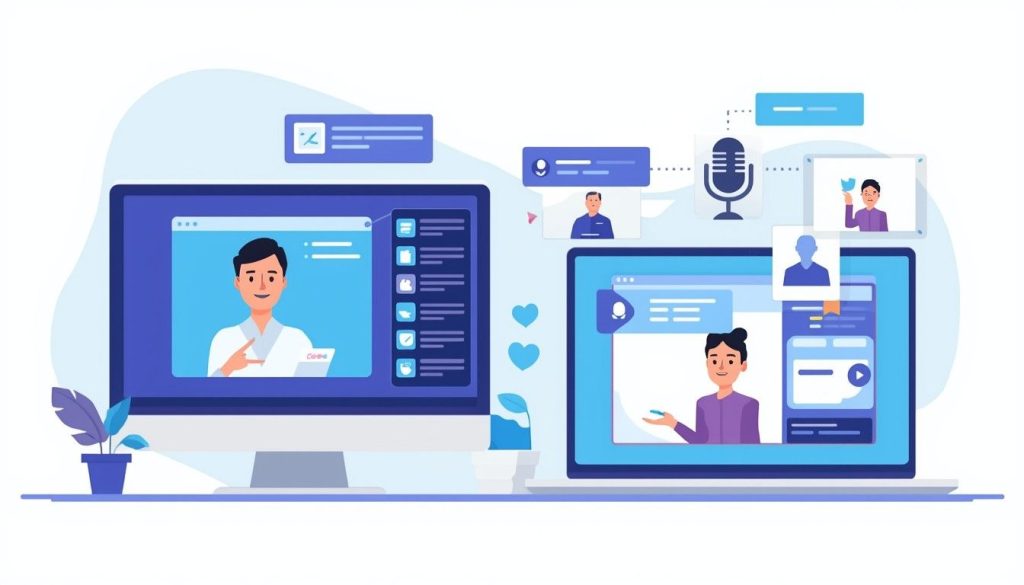
Ever sat down to make a lesson video and thought, “Ugh, I don’t want to deal with lighting, scripts, or staring at a camera all day”? Yeah, me too. That’s where AI teaching video tools come in handy. These clever programs let you whip up professional-looking videos that feel like they’re delivered by a live teacher, but without any actual filming. We’re talking AI avatars that talk, gesture, and explain stuff just like a human would. If you’re an educator, trainer, or just someone sharing knowledge online, these tools can save you hours and make your content pop. In this piece, I’ll break down what they are, why they’re awesome, and spotlight a few standouts that are changing the game for folks in the US and beyond.
Table of Contents

What if you could turn a simple script into a full-blown video lecture overnight? Sounds dreamy, right? Well, that’s the reality with these AI teaching video tools. They’ve exploded in popularity lately, especially with remote learning still being a big deal. Teachers I’ve chatted with say it’s like having a personal studio assistant—minus the hefty bill. Let’s dive into the details so you can see if they’re a fit for your setup.
What Exactly Are AI Teaching Video Tools?
These aren’t your basic video editors; they’re smart systems that generate entire videos from text or ideas. Imagine typing out your lesson plan, picking an avatar that looks like a friendly professor, and hitting “create.” Boom— you’ve got a video ready to share on platforms like Google Classroom or YouTube.
How Do They Work?
Most AI teaching video tools use text-to-speech tech combined with animation. You feed in a script, and the AI handles the voiceover, lip-syncing, and even gestures. Some let you upload your own voice or clone it for that personal touch. No need for mics, lights, or retakes. Tools like these often support multiple languages, which is huge for diverse classrooms in the States.
Who Can Benefit From Them?
Pretty much anyone in education or training. Think K-12 teachers flipping classrooms, corporate trainers onboarding new hires, or even homeschool parents jazzing up math explanations. I’ve heard from a buddy who’s a high school history teacher—he uses them to make dry topics like ancient Rome feel alive without ever turning on a webcam. It’s especially useful if you’re camera-shy or short on time.
If you’re curious about diving deeper into video creation basics, check out our guide to easy video editing for educators.
The Perks of Ditching the Camera for AI
Switching to AI teaching video tools isn’t just a trend; it’s a smart move for busy folks. Sure, traditional filming has its charm, but who has hours to edit bloopers? These tools cut that out entirely.
Time-Saving Magic
Picture this: Instead of spending a weekend shooting and tweaking, you spend 30 minutes scripting. AI does the rest. One study I came across showed educators saving up to 70% of their production time— that’s more hours for grading papers or, you know, relaxing.
Making Lessons More Engaging
Avatars can add expressions, pauses, and emphasis that keep students hooked. Plus, you can customize backgrounds or add quizzes. It’s not stiff; it’s dynamic. A trainer I know switched to these and saw employee retention rates jump because the videos felt more human, ironically.
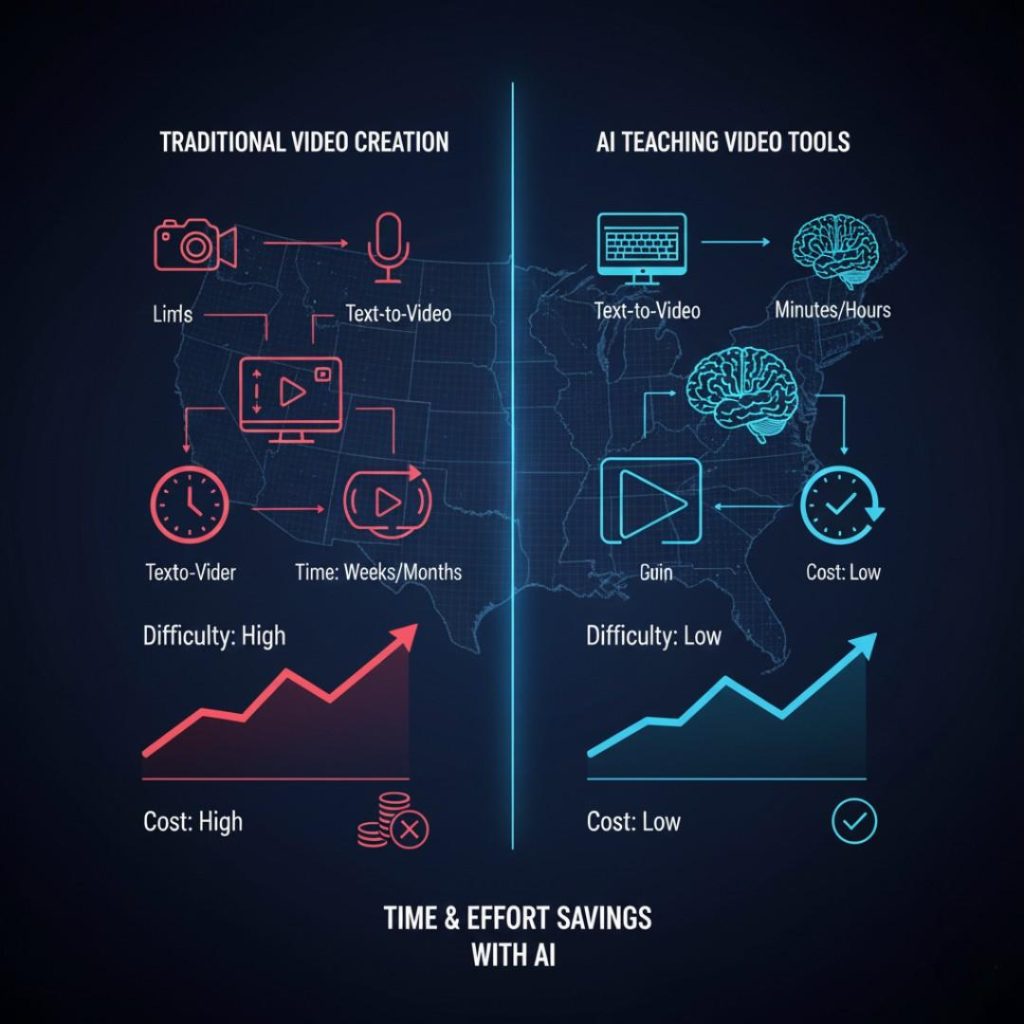
Here’s a quick table to show how they stack up against old-school methods:
| Aspect | Traditional Filming | AI Teaching Video Tools |
|---|---|---|
| Time Required | Hours to days | Minutes to hours |
| Equipment Needed | Camera, lights, mic | Just a computer |
| Cost | Can be pricey | Often affordable subs |
| Customization | Limited by skills | Endless options |
| Accessibility | Tech-heavy | Beginner-friendly |
See? The difference is night and day.
Top 5 AI Teaching Video Tools to Try Right Now
Alright, let’s get to the good stuff. I’ve rounded up five solid options based on what educators are buzzing about. Each one excels at creating videos that mimic a real instructor’s style—no camera in sight.
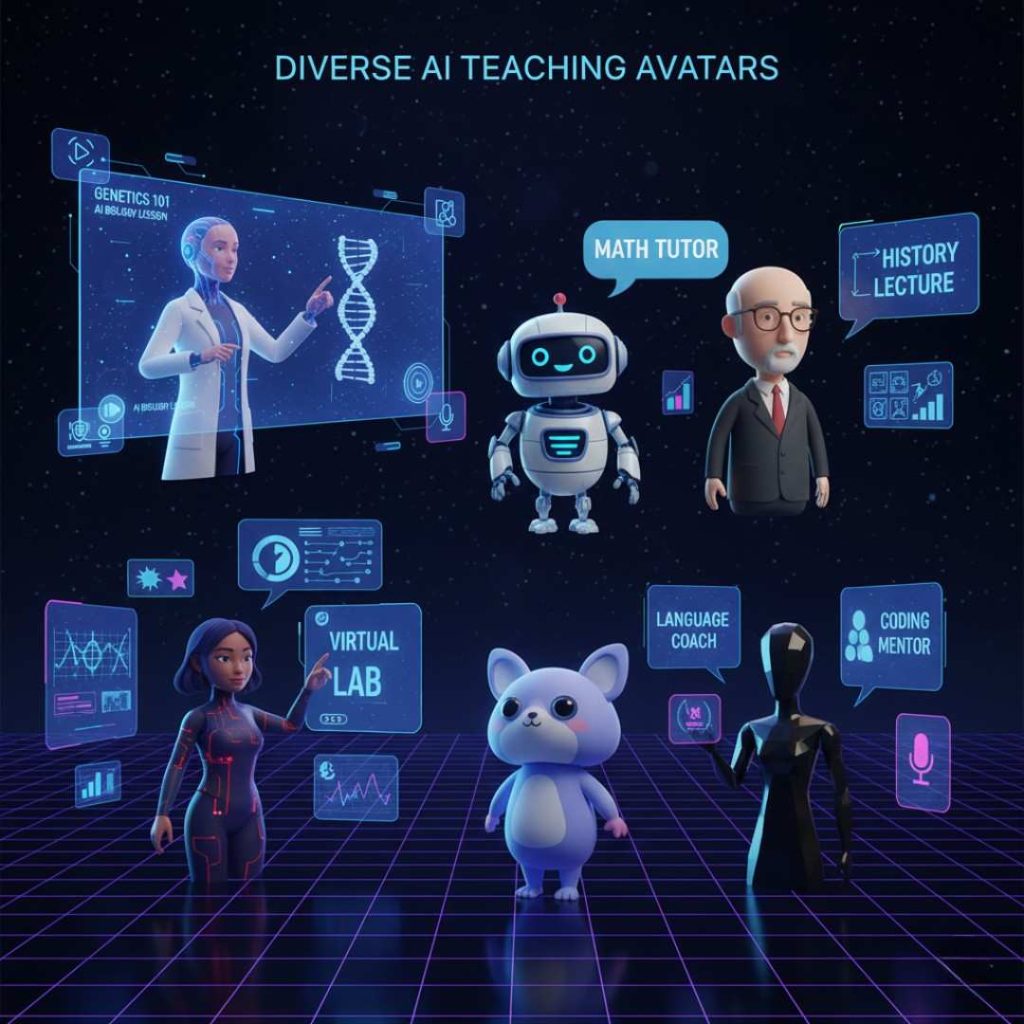
Synthesia: The Go-To for Realistic Avatars
Synthesia leads the pack with over 230 avatars that look and sound incredibly lifelike. You plug in your script, choose a voice in 140+ languages, and it generates a video that could pass for a TED Talk. Great for detailed lessons on subjects like biology or business ethics. Pricing starts around $22/month, and it’s super secure for schools.
One cool feature? It integrates with PowerPoint, so if you’ve got slides ready, it turns them into narrated videos effortlessly. Teachers love it for creating consistent content without burnout.
HeyGen: Quick and Customizable Clones
HeyGen lets you create an AI version of yourself—or use stock avatars—for videos that feel personal. No filming needed; just upload a short clip if you want a clone, or start from scratch with text. It’s fast, with outputs in minutes, and supports custom gestures. Ideal for quick tutorials or feedback videos.
A friend in corporate training swears by it for compliance modules. Starts at about $24/month, with a free trial to test the waters.
Want more on avatar tech? Peek at our post on AI avatars for beginners.
Elai.io: Budget-Friendly for Beginners
If you’re new to this, Elai.io is forgiving and fun. It offers avatars with natural expressions, script-to-video conversion, and even blog-to-video features. Perfect for turning lesson notes into engaging clips. Supports captions and translations, which is a win for inclusive education.
Pros: Affordable at $23/month, easy drag-and-drop. Cons: Avatars aren’t as ultra-real as some competitors. Still, it’s a solid entry point for US teachers on a tight budget.
Colossyan: Enterprise-Level Polish
Colossyan shines for bigger setups, like school districts or companies. It has pro-grade avatars, team collaboration, and analytics to track viewer engagement. Create branching videos where students choose paths—think interactive history lessons.
It’s pricier, around $30/month, but worth it for polished results. I’ve seen it used in online courses to mimic one-on-one instruction.
InVideo: Versatile for All Kinds of Content
InVideo isn’t just avatars; it mixes stock footage, text-to-speech, and templates tailored for education. Great for YouTube-style explainers or webinars. You can add music, effects, and export in HD without watermarks on paid plans.
Starting at $15/month, it’s versatile for mixing AI teaching video tools with your own touches. Check this out: I found a helpful demo on YouTube that shows it in action—watch here if you’re visual like me.
How to Pick the Right AI Teaching Video Tool for You
With so many options, it can feel overwhelming. Start by asking what you need most—speed, realism, or extras like quizzes?
Key Features to Look For
- Avatar quality: Does it look natural?
- Language support: Essential for multicultural classes.
- Integration: Works with your LMS or slides?
- Pricing: Free trials are key to avoid buyer’s remorse.
Common Pitfalls to Avoid
Don’t overlook data privacy, especially with student info. Also, test the voiceovers—some sound robotic if not tuned right. And remember, while AI is smart, it can’t replace your unique teaching flair entirely.
For tips on blending AI with traditional methods, see our article on hybrid teaching strategies.
Wrapping this up, jumping into AI teaching video tools can feel like a small leap, but the payoff is huge. You’ll create content that’s not only efficient but also captivating for your audience. Whether you’re prepping for a class or a workshop, these tools put the power back in your hands—minus the hassle. Give one a spin and see how it transforms your workflow.
Key Takeaways
- AI teaching video tools let you build instructor-like videos from scripts alone, saving tons of time.
- Top picks like Synthesia and HeyGen offer realistic avatars for that human touch.
- They’re perfect for educators who hate cameras but love engaging content.
- Start with a free trial to find your fit—focus on ease and features.
- Always prioritize privacy and test for natural-sounding results.
FAQ
What are the best AI teaching video tools for beginners?
If you’re just starting, try Elai.io or InVideo. They’re straightforward, with simple interfaces that turn your ideas into videos fast, no fancy skills needed.
Can AI teaching video tools really replace a real instructor?
Not entirely—they’re great for delivering info like a pro, but they lack the live interaction. Use them for pre-recorded lessons to free up time for real discussions.
How much do AI teaching video tools cost on average?
Most start around $15–30 per month for basic plans. Free tiers exist but often limit features like custom avatars or HD exports.
Do these AI teaching video tools support multiple languages?
Yep, many like Synthesia and HeyGen handle 100+ languages, making them ideal for diverse US classrooms or global teams.
Are there free AI teaching video tools available?
Absolutely—Canva’s AI video features are free for basics, and some tools offer trials. Just watch for watermarks on unpaid versions.
How secure are AI teaching video tools for educational use?
Look for ones with enterprise security, like Synthesia. They protect your data, but always review privacy policies before uploading sensitive stuff.