
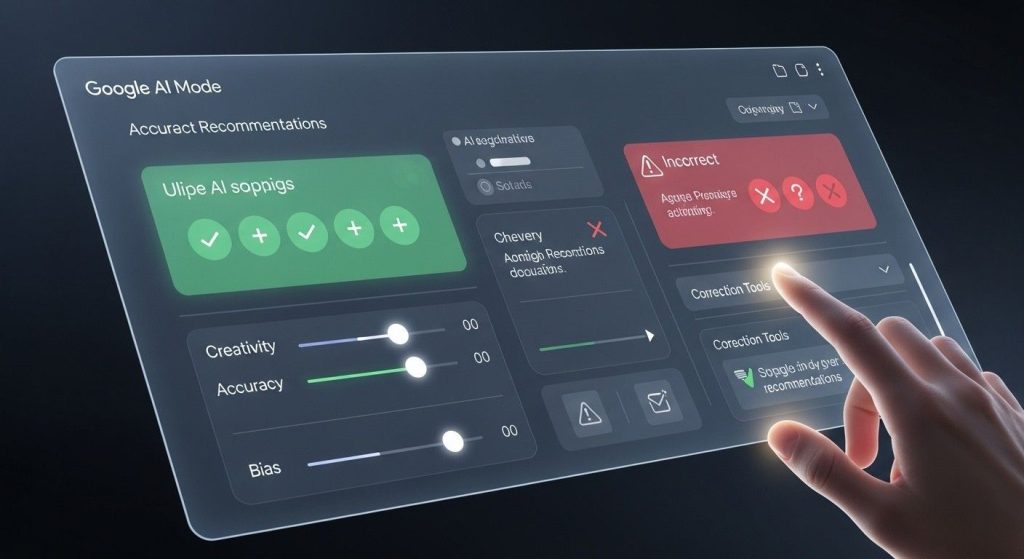
Google AI Mode recommendations have changed how we search for stuff online, popping up with quick AI-powered answers that pull from all over the web. But let’s be real—sometimes they just don’t hit the spot. Maybe you’re looking for recipe ideas and it suggests something totally unsafe, or it’s giving biased advice on a touchy topic. I’ve been there, scratching my head over why the AI thought that was a good idea. If you’re dealing with unsuitable Google AI Mode recommendations, you’re not alone. This guide walks you through practical ways to straighten them out, based on what I’ve seen work in real searches.
First off, Google AI Mode is that feature in Google Search where you ask a question—by typing, talking, or even snapping a pic—and it dishes out a tailored response using its Gemini tech. It’s meant to handle complex stuff, like multi-part questions, but those Google AI Mode recommendations can veer off if the AI misreads context or grabs wonky data.
Table of Contents
Understanding What Google AI Mode Recommendations Really Are
Google rolled out AI Mode back in early 2025 as a way to make searching feel more like chatting with a smart buddy. Instead of just links, you get a synthesized answer with suggestions, tips, or even step-by-step guides. These are the “recommendations” we’re talking about—AI-curated bits that aim to solve your query fast.
But here’s the thing: it’s still evolving. From what I’ve noticed in my own use, it shines for straightforward facts but can stumble on nuanced topics. Think about asking for health advice; it might recommend something generic without considering your specifics.
How AI Mode Works in Everyday Searches
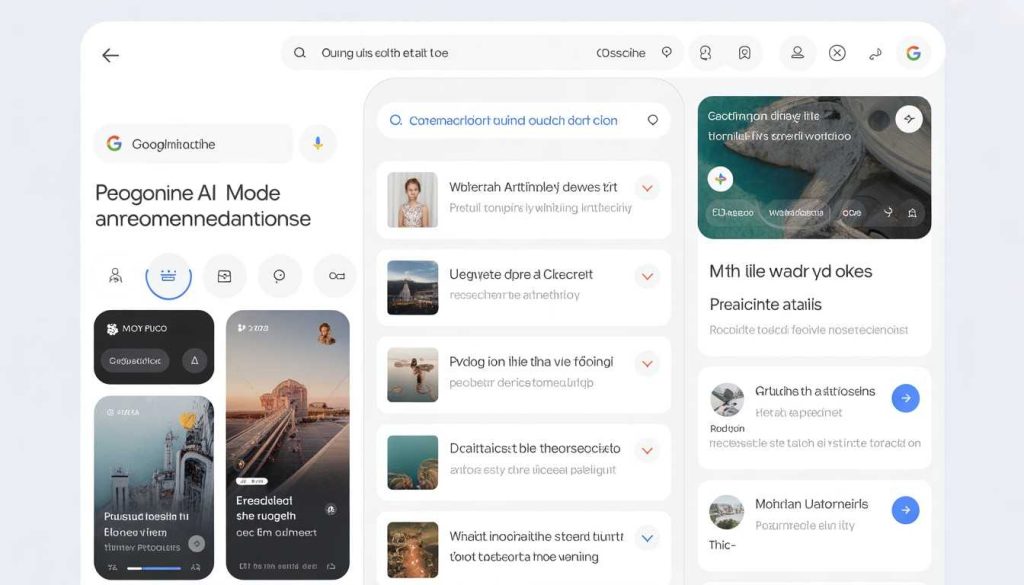
At its core, AI Mode scans the web, your past searches (if personalized), and even your Gmail or Photos if you opt in for that “Personal Intelligence” feature. It then whips up Google AI Mode recommendations that feel custom. For example, if you’re planning a trip, it might suggest flights based on your email history. Cool, right? But if it’s pulling from outdated or biased sources, those recommendations can lead you astray.
Why Recommendations Sometimes Miss the Mark
AI isn’t perfect—shocker, I know. Common culprits include hallucinations (where it makes up facts), bias from training data, or just misunderstanding slang. Studies show AI like this disagrees on brand picks about two-thirds of the time compared to other bots. Plus, with volatility in how it ranks info, what you get today might differ tomorrow. I’ve had it recommend a product that was recalled, which was a wake-up call to always verify.
Spotting Unsuitable Google AI Mode Recommendations
Before fixing, you gotta know what looks fishy. Not every odd suggestion is bad, but some scream “hold up.”
Common Red Flags to Watch For
- Inaccuracies: Facts that don’t add up, like wrong dates or stats.
- Bias or One-Sidedness: Pushing one view without balance, especially on politics or health.
- Unsafe Advice: Suggestions that could harm, like bad medical tips.
- Irrelevance: Totally off-topic Google AI Mode recommendations that ignore your query.
- Spam Vibes: Over-promoting certain brands without merit.
In one Reddit thread, folks complained about AI Mode spitting out blatantly wrong overviews, like misinterpreting web pages. It’s frustrating, but spotting these early saves time.
Real-Life Examples of AI Goofs
Picture this: You search “best ways to quit smoking,” and Google AI Mode recommendations include something about “smoking in moderation”—totally bogus. Or, like that viral case where it suggested glue in pizza (from a joke post). I’ve personally gotten weird recipe tweaks that ignored allergies I mentioned. These aren’t rare; blogs like Mashable have covered how AI Mode can amplify spam or errors.
To see it in action, check out this YouTube video explaining Google AI Mode pitfalls: VIDEO. It’s eye-opening to see what can go wrong.
Step-by-Step Fixes for Bad Google AI Mode Recommendations
Alright, let’s get to the meat—how to correct these. I’ve tried these myself, and they usually do the trick without much hassle.
Refine Your Query for Better Results
Sometimes, the fix is simple: Rephrase. Add details like “safe for beginners” or “2026 updates.” AI Mode loves specifics. For instance, if recommendations are biased, ask “pros and cons of X” to balance it out.
- Start with clear language.
- Use follow-ups: AI Mode lets you chat back, so say “that’s not right, try again with Y info.”
- Avoid vague terms that could confuse.
This has turned around many of my searches from meh to spot-on.
Use Feedback Tools to Report Issues
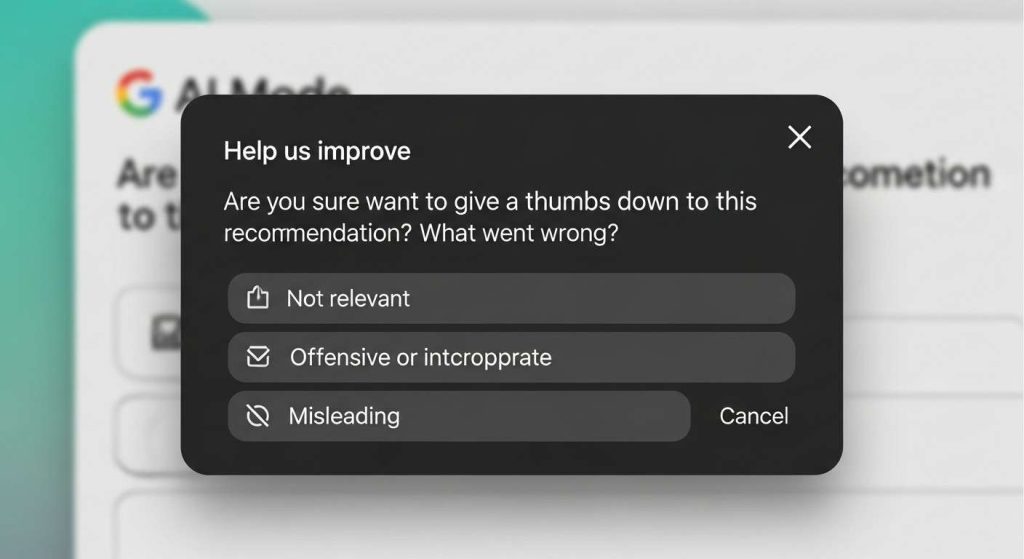
Google built in thumbs up/down buttons right under responses. Hit thumbs down for unsuitable Google AI Mode recommendations, pick a category like “inaccurate” or “harmful,” and add notes. It’s quick and helps train the AI. From support docs, this feedback goes straight to their team, improving future outputs.
Don’t skip the details—I’ve found explaining why it’s off makes a difference. Over time, it refines what you see.
Double-Check Sources and Cross-Verify
Every AI Mode response links sources—click them! If a recommendation seems off, verify against originals. I always cross-check with sites like official Google Search tips or trusted outlets. Tools like FactCheck.org help too.
Here’s a quick table of verification steps:
| Step | Action | Why It Helps |
|---|---|---|
| 1 | Click cited links | Ensures the AI didn’t twist facts |
| 2 | Search the same query classically | Compares non-AI results |
| 3 | Use multiple devices | Spots personalization biases |
| 4 | Consult experts via forums | Gets human input on tricky topics |
This habit has saved me from following bad advice more than once.
Switch to Classic Search When Needed
If AI Mode keeps messing up, bail to regular Google Search. Just ignore the AI button or use the “Web” tab. For sensitive stuff, this avoids Google AI Mode recommendations altogether. It’s like hitting reset.
Opt Out or Customize AI Settings
In your Google account, head to Labs or AI features and toggle off Personal Intelligence if it’s causing wonky recommendations. Not fully off, but it dials back personalization. Check Google’s AI settings guide for steps—it’s straightforward.
Leverage Multimodal Inputs for Clarity
Upload images or voice notes to guide the AI better. If text recommendations suck, snap a pic of what you mean. This multimodal stuff often clears up misunderstandings.
Stay Updated on AI Improvements
Google tweaks AI Mode often—follow their blog for updates. Knowing about fixes like better hallucination checks keeps you ahead.
Preventing Future Problems with Google AI Mode Recommendations
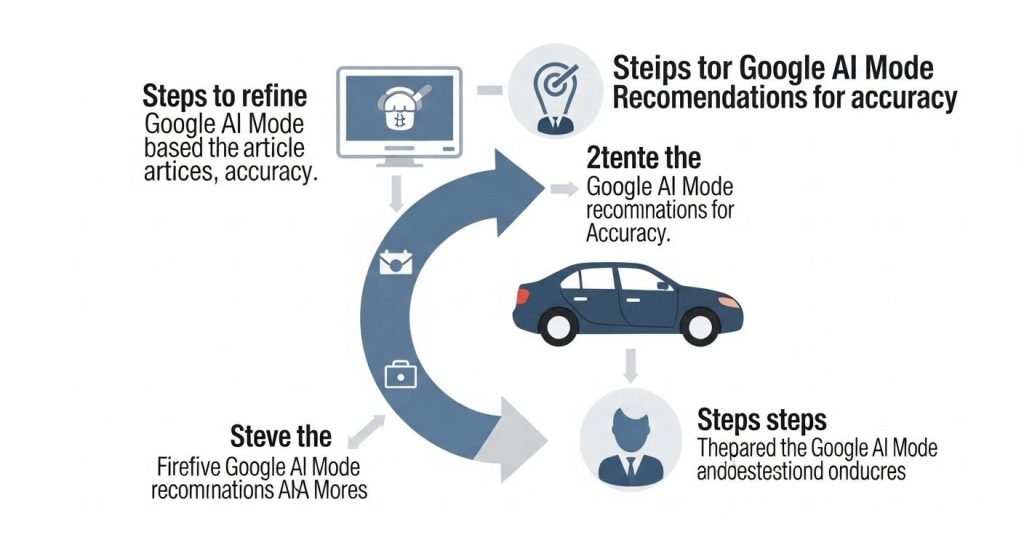
Once you’ve fixed a bad one, think prevention. It’s all about smarter habits.
Best Practices for Smarter Searching
- Mix AI with human judgment.
- Build a routine: Query, review, verify.
- Teach yourself via advanced search techniques.
I’ve made this part of my daily routine, and unsuitable Google AI Mode recommendations pop up way less.
Tools and Alternatives to Consider
If Google’s not cutting it, try Bing’s AI or ChatGPT for cross-checks. Apps like Perplexity focus on accurate recommendations too.
Dealing with off-kilter Google AI Mode recommendations doesn’t have to ruin your search game. With these tweaks, you’ll get more reliable results and feel in control. It’s all about blending tech with a bit of skepticism—after all, AI’s smart, but you’re the boss.
Key Takeaways
- Spot issues early by watching for inaccuracies or bias in Google AI Mode recommendations.
- Use built-in feedback to report and improve unsuitable suggestions.
- Always verify sources to avoid following bad advice.
- Refine queries or switch modes for quick fixes.
- Stay proactive with settings and updates to prevent repeats.
FAQ
What should I do if Google AI Mode recommendations are inaccurate? Thumb down the response right away and explain the problem. Then, rephrase your query for better Google AI Mode recommendations—adding specifics often does the trick.
How can I turn off unsuitable Google AI Mode recommendations? You can’t fully disable AI Mode everywhere, but opt out of personalization in your account settings. For one-off fixes, switch to classic search results.
Why do Google AI Mode recommendations sometimes feel biased? It pulls from web data, which can have biases. Cross-check sources and ask for balanced views to correct that in your Google AI Mode recommendations.
Can I report harmful Google AI Mode recommendations? Yes, use the feedback tool under the response. Select “harmful” and add details—Google reviews these to refine future outputs.
How often does Google update AI Mode to fix bad recommendations? They roll out tweaks regularly, like better fact-checking. Keep an eye on their blog for improvements to Google AI Mode recommendations.
Is there a way to make Google AI Mode recommendations more personal without risks? Opt in carefully to Personal Intelligence, but double-check everything. It’s handy for tailored suggestions, but verify to avoid unsuitable ones.